How to disable Email notification?
By Manas
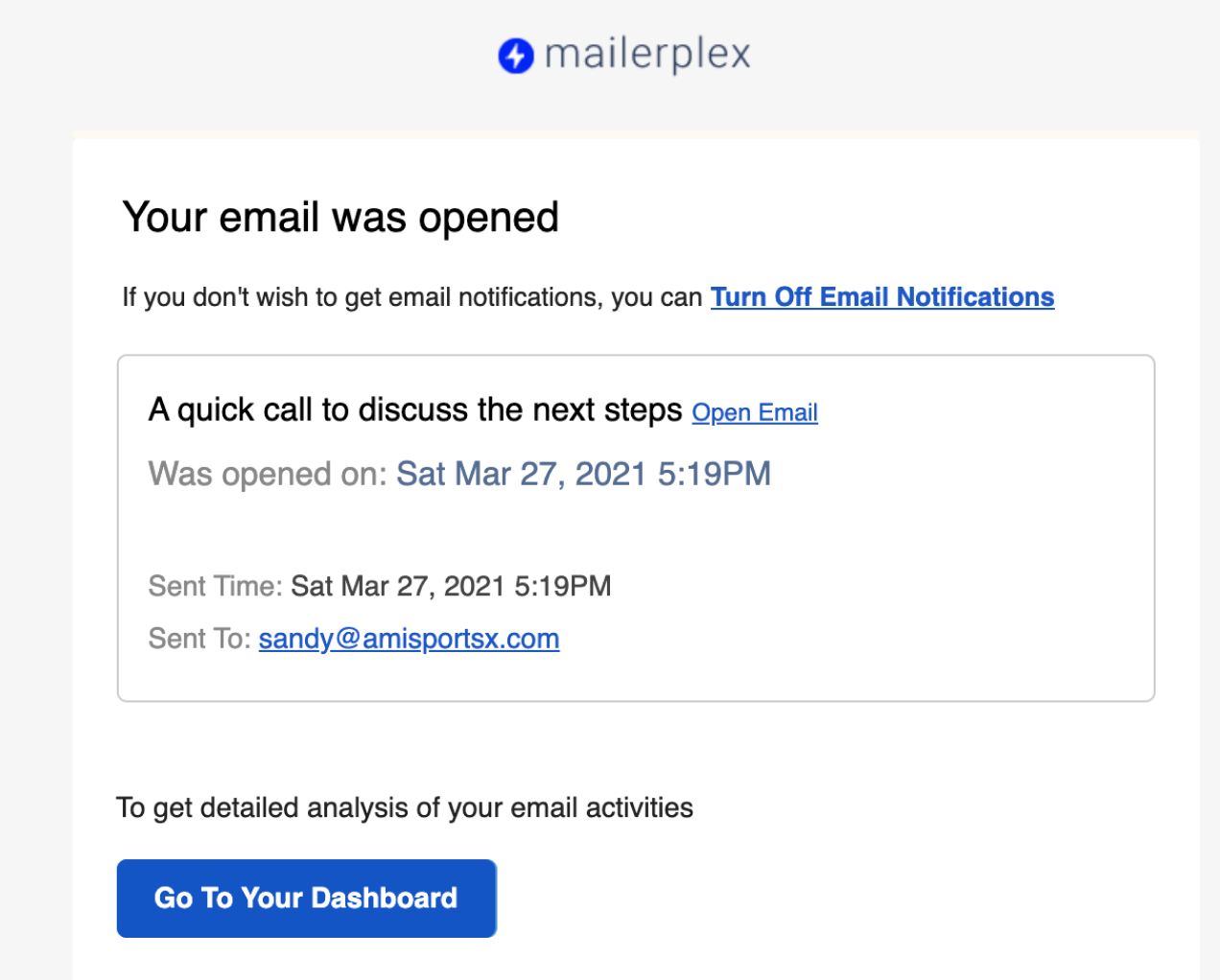
Email notifications are a good way to check email opens without getting into Sent Email or Dashboard. You get an email notification as soon as a recipient opens your email. To avoid distraction, MailerPlex sends email notification only when someone opens your email for the first time. No notifications are sent upon subsequent activities (either opens or clicks). So generally, you should get one notification per sent email, if opened. For example, if you are sending 10 emails per day and 7 are getting opened multiple times, you will only get 7 email notifications.
How to switch off email notifications
But if you think you are getting distracted by notifications, you can switch them off as follows. Just click on Turn Off Email Notifications, confirm in the next screen and you are done.